
Written by: Nimesh Chakravarthi, Co-founder & CTO, Struct
Key Takeaways for Faster Datadog Trace Investigations
- Follow an 8-step Datadog APM workflow that starts with filtering worst traces by p95 latency and uses flame graphs to pinpoint bottlenecks.
- Correlate traces with logs using DD_LOGS_INJECTION=true, then cross-reference metrics, Sentry exceptions, and GitHub changes for full incident context.
- Avoid pitfalls such as head-based sampling bias, severe span retention drops, and 15-minute live search limits that block effective investigations.
- Switch to tail-based sampling and use APM Recommendations to detect N+1 queries while controlling tracing costs in medium-sized environments.
- Compress 45-minute manual investigations to 5 minutes with Struct, which automates your on-call runbook with instant AI-powered trace analysis.
Define Investigation Goals and Prepare Your Datadog Setup
Set clear investigation goals before you open any traces. Aim to identify the top latency-causing service within 5 minutes and correlate traces with logs for complete context. To hit these goals consistently, assess your current setup by reviewing trace volume, sampling configuration, and retention policies.
Production teams face critical 2026 pitfalls with Datadog's default head-based sampling. Retention filters can drop 99.7% of spans, which makes many traces impossible to search during incidents. In addition, monthly costs for medium environments often reach $2,000-$5,000 because of per-host fees and span ingestion charges.
Despite these limitations, you can still run effective investigations with the right Datadog tools. Essential tools for trace analysis include the APM dashboard for service-level metrics and Trace Explorer for detailed span investigation. Skip manual configuration with Struct's automated trace analysis to bypass these setup challenges entirely.
8-Step Datadog Workflow for Reliable Trace Analysis
Use this 8-step workflow, which goes deeper than standard Datadog documentation, to investigate performance issues with confidence.
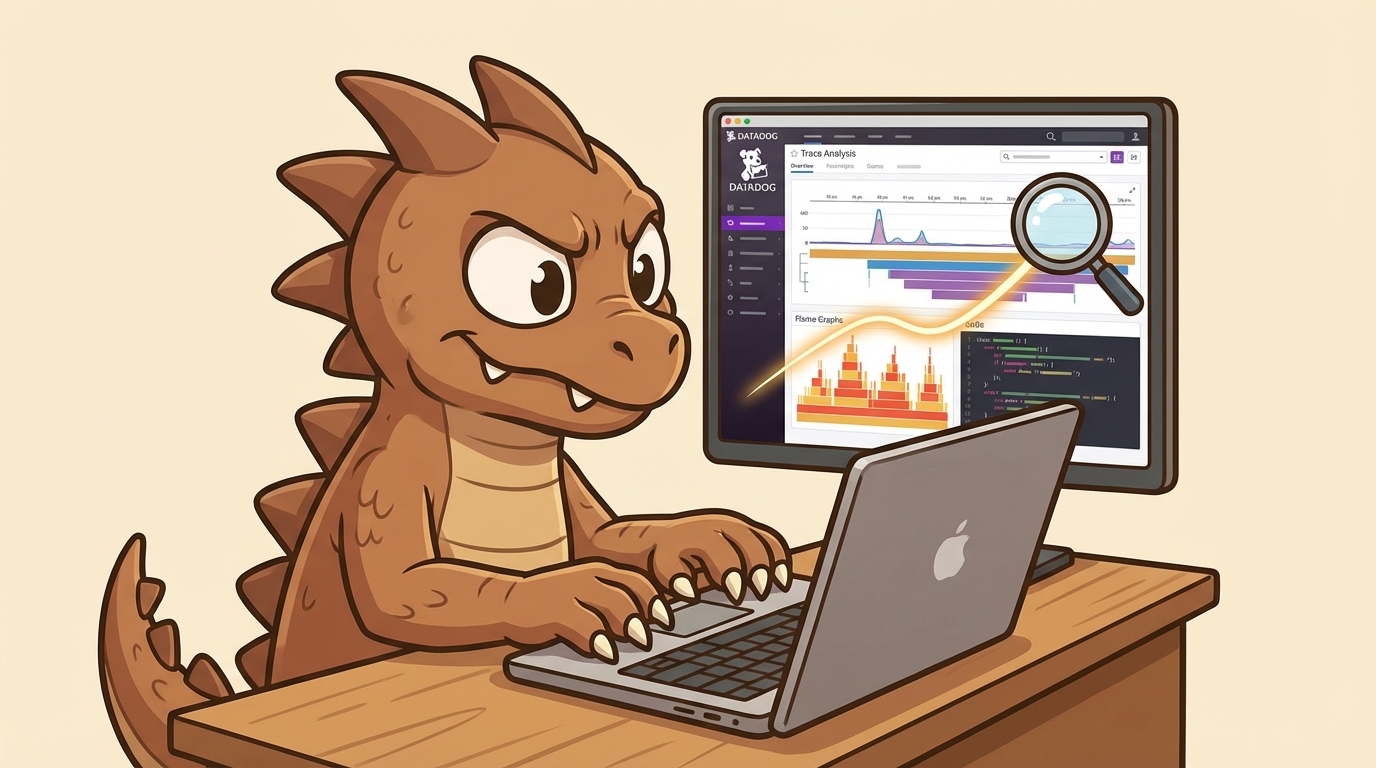
Step 1: Filter worst traces first. Navigate to APM > Traces and immediately filter by p95 latency above your threshold. Focus on the slowest 5% of requests instead of getting distracted by average performance.
Step 2: Use Trace Explorer strategically. Apply service and resource filters, then group by operation to reveal patterns in slow or failing calls. Avoid over-filtering, because aggressive filters can hide critical correlations between services.
Step 3: Analyze flame graphs with a clear focus. Spot red spans that represent the slowest operations, because these spans are your primary investigation targets. After you identify them, drill into parent-child relationships to understand the call chain behind the slowdown. As you review these spans, pay attention to horizontal length, which shows duration, and ignore infrastructure noise that does not affect user experience.
Step 4: Review service trends before individual traces. Check service-level metrics for anomalies that appear before trace issues. This context keeps your investigation focused on root causes instead of surface symptoms.
Step 5: Correlate traces with logs. Enable DD_LOGS_INJECTION=true for unified trace ID correlation, then search logs using trace IDs from your flame graphs. This approach connects application behavior with specific log events.
Step 6: Fix sampling bias before it hides issues. Switch to tail-based sampling for scale so you capture more critical error traces. Head-based sampling often creates blind spots during incidents because it drops important spans.
Step 7: Cross-reference external tools for full context. Check exceptions in Sentry and correlate them with recent code changes in GitHub. This cross-check builds a complete incident picture from error to commit.
Step 8: Document root cause and blast radius. Summarize your findings with specific services affected, error rates, and customer impact. Share this summary with resolution teams so they can act quickly and consistently.
Critical pitfall: Zendesk's engineering team found that aggressive filtering can hide patterns during observability optimization. Balance cost control with enough data depth to support reliable investigations.
Execute this 8-step workflow automatically with Struct within minutes of alert firing.
Advanced Datadog Tooling and Struct Integrations
Datadog delivers unified trace analysis through APM dashboards, flame graphs, and log correlations that rely on unified trace IDs. The platform shines when you pivot between traces, metrics, and logs during incident response.
These capabilities work well for individual investigations, yet the manual workflow becomes a bottleneck when you investigate complex distributed systems at scale. Struct changes this experience by integrating directly with Datadog and auto-pulling traces and logs as soon as alerts fire. The AI generates investigation timelines, correlation dashboards, and actionable summaries before engineers open their laptops.
Struct's Datadog integration covers the full observability stack, including APM traces, infrastructure metrics, and log correlations. It also connects to alerting channels such as PagerDuty and Slack, plus code context from GitHub. Teams report 85-90% investigation accuracy along with sharply reduced triage time.
Set up Struct and Datadog in 10 minutes for instant auto-investigations, and start free today.
Metrics, Common Pitfalls, and Practical Optimization
Track trace-to-root-cause time as your primary success metric for Datadog investigations. The investigation time compression described earlier translates to about 80% MTTR reduction for Struct customers, and Series A fintech companies use this improvement to maintain consistent SLA compliance with automated investigations.
Watch for common pitfalls such as over-filtering traces, retention gaps that block historical analysis, and missing log correlations. Datadog's 15-minute Live Search retention means critical spans can disappear before engineers have time to investigate them.
Build a coherent optimization strategy by first implementing tail-based sampling so you capture high-value traces. Next, codify your investigation approach in runbooks so your team follows consistent analysis patterns. Then use APM Recommendations to detect N+1 queries and performance anti-patterns before they trigger incidents. To scale this approach across your team, integrate Struct so those 45-minute manual investigations become 5-minute reviews.
Review performance improvement data (PIDs) every week and adjust sampling strategies based on what you learn. Maintain investigation quality at scale with Struct's automated runbooks while your engineering team grows.
Conclusion and Next Steps for Datadog Trace Analysis
Apply these 8 steps for effective Datadog APM trace analysis, then amplify the impact with Struct's AI automation. This combination shifts your on-call experience from reactive firefighting to proactive system improvement. Your engineering team can spend less time on 3 AM trace hunting and more time shipping features that drive business value.
Next steps include fine-tuning alert thresholds, implementing Real User Monitoring (RUM) for clear customer impact visibility, and encoding your team's investigation patterns into Struct runbooks for consistent automated analysis.
FAQ
What is the minimum Datadog setup required for effective trace analysis?
You need APM agents deployed across your services, traces actively ingesting into Datadog, and service maps configured to visualize dependencies. Enable log injection (DD_LOGS_INJECTION=true) for trace-log correlation and configure retention filters based on your investigation needs. Most teams also benefit from custom dashboards for their most critical services.
How does Struct automate Datadog trace analysis?
Struct connects directly to your Datadog instance and automatically pulls traces, logs, and metrics when alerts fire. The AI correlates this data across your stack, generates investigation timelines, and creates actionable dashboards within about 5 minutes of alert detection. This automation removes manual steps such as filtering traces, analyzing flame graphs, and correlating logs.
How should teams handle poor sampling and retention in Datadog?
Switch from head-based to tail-based sampling so you avoid missing critical error traces. Configure retention filters to preserve high-value spans while still controlling costs. Consider longer retention periods for critical services and create custom facets that support better filtering. Struct helps by running proactive analysis on all available data before retention windows expire.
What is the typical setup time for Struct with Datadog?
Initial integration usually takes about 10 minutes. You authenticate your Datadog instance, connect your alerting channels such as Slack or PagerDuty, and link your code repository in GitHub. Struct then begins auto-investigating new alerts and can be customized with your team's specific runbooks and investigation patterns.
How does Struct handle compliance requirements for logs and traces?
Struct adheres to SOC 2 and HIPAA compliance standards. All data processing occurs ephemerally, which means logs and traces are accessed, analyzed, and discarded without persistent storage. The platform respects your existing Datadog security configurations and follows all access controls and data retention policies you have defined.
